Per-app
Apps, not process soup
Helper processes fold into the app they belong to, so “Chrome” is one line with its real CPU, memory, disk, network, GPU and energy.
Binnacle lives in your menu bar and answers it in one glance: the app behind every number, folded together with its helpers. Then fix it right there. Quit it, free the port, cool the fans.
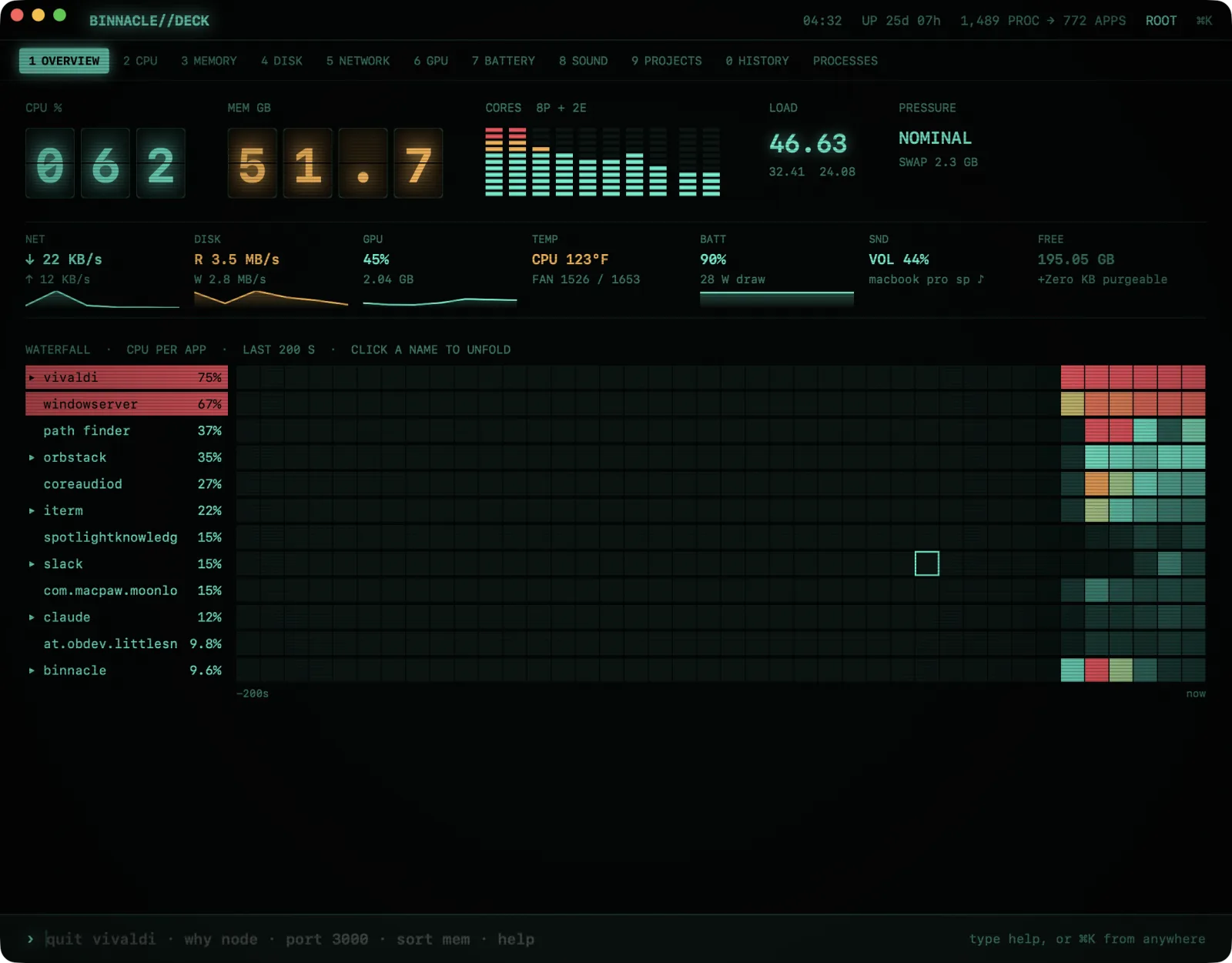
A working copy of Binnacle's ⌘K line, running on sample data in your browser. Type a command, tap a suggestion, or click an app.
Unretouched screenshots from Binnacle on an M1 Max. ⌘1 through ⌘0 jumps between them.
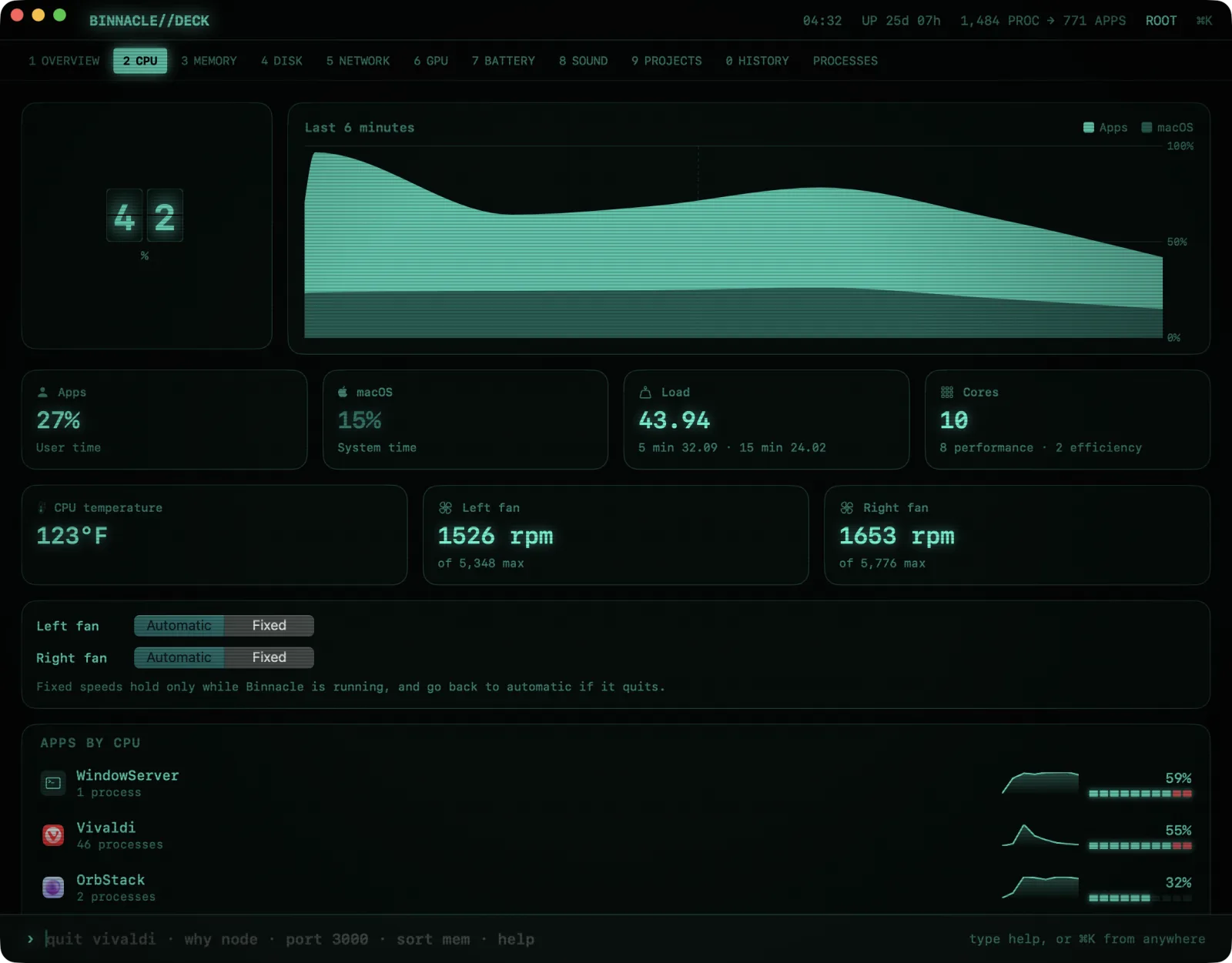
Activity Monitor shows you hundreds of processes. Binnacle tells you which app is doing it, and lets you deal with it in one step.
Helper processes fold into the app they belong to, so “Chrome” is one line with its real CPU, memory, disk, network, GPU and energy.
CPU, memory, network, disk, GPU, temperature and battery, each its own menu bar item with a dropdown of the apps behind it.
Overview, CPU, Memory, Disk, Network, GPU, Battery, Sound, Projects and History pages. ⌘1–⌘0 to jump between them.
12h, 24h, 7d and 30d views, plus disk written and network totals for today and the last week or month. One small local file.
A nudge when one app keeps the CPU busy, keeps growing its memory, or hammers the disk or network.
Samples every 5 seconds with no window open, drawn as plain menu bar bitmaps. Around half a percent of one core at idle.
The Projects page groups dev servers by project folder, with their ports, memory and idle time, and a Stop button. Or just ask the ⌘K line.
› why chrome
Chrome · 14 processes · 38% CPU · 3.1 GB
› port 3000
node (~/Projects/shop) · idle 2d · 412 MB
› kill port 3000
stopped node (pid 48113)
› top 3
Xcode 22% · Docker 14% · Slack 6%
The menu bar items and their dropdowns keep working, free. The Command Deck, ⌘K commands, alerts, history and the MCP server ask for a license.
No telemetry. It only goes online to check your license with shafer.llc and to check for updates. History stays in one file on your Mac.
It's optional. The helper reads processes macOS hides from normal apps and sets fan speeds. It can't do anything else.
Yes. On the new Mac, click Register in Settings › License and sign in; your key comes back without paying again. Your shafer.llc account lists every Mac using it, and you can remove one there.
Not at the moment. Binnacle is built for Apple silicon and macOS 14 or later.